VPN app with customizable settings
EC Tunnel PRO - Unlimited VPN, or Entclass Tunnel PRO, is a free-to-download VPN tool for safeguarding your online security and privacy by masking your IP address from third parties. It is also the perfect companion for all your travels, allowing you to connect to public WiFi networks and access geo-restricted content.
Top Recommended Alternative

As with most free apps, Entclass Tunnel PRO contains advertisements. While some users don’t mind the ads, others see these as a nuisance to their browsing experience. The connection speed is inconsistent, too. Hence, the only remedy is to disconnect and reconnect to the server.
Extend connection time
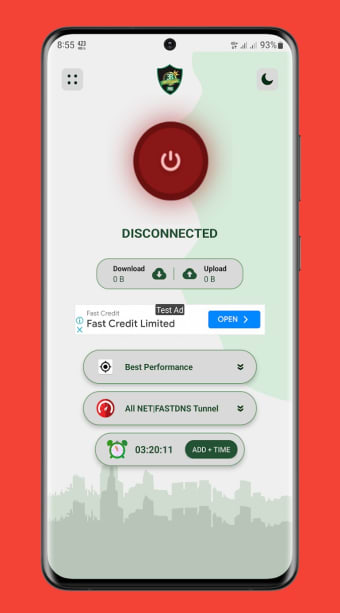
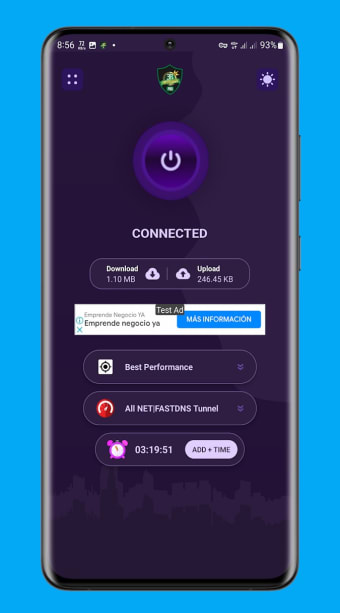
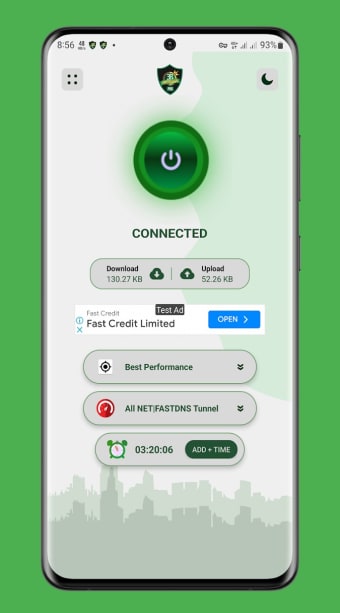
EC Tunnel PRO - Unlimited VPN features several servers in different parts of the globe, including Germany, Singapore, and the United States. There’s also the option to select “Best Performance” from the server list. On the other hand, its list of networks comprises Direct SSH (secure socket shell) and “ALL NET|UDP|TCP Tunnel,” to name a few. However, note that your connection time is initially limited to an hour.
Of course, you can extend the time limit by watching advertisements—allowing you to surf the internet for days on end. The app shows your current download and upload speeds in real-time, too, so you don’t have to download a separate speed test application. Unfortunately, it is known for its inconsistent connection speeds and intermittent disconnections—which is something that most users hate in a VPN program.
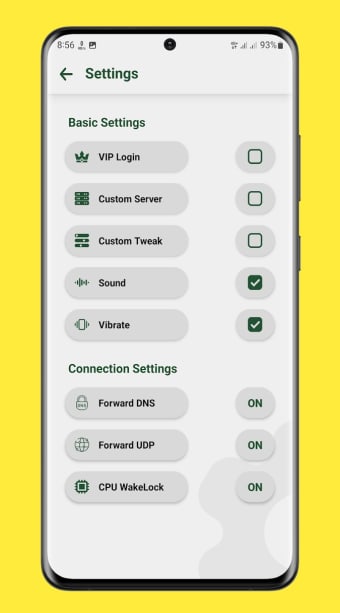
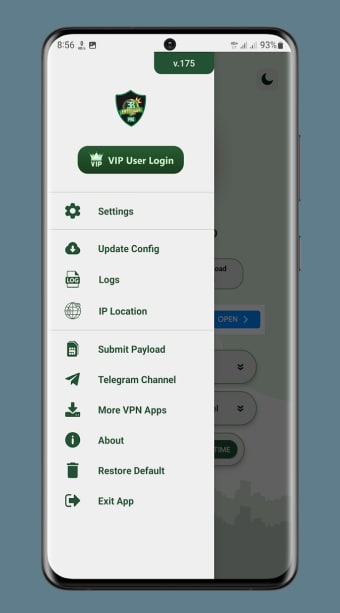
Moving on to its “Basic Settings,” you can disable the sound and vibration, create a custom server, enable VIP log-in, and many more. As for the program’s “Connection Settings,” you have the option to turn on “Hotshare,” exclude certain apps from using the VPN, create or disable a custom DNS (Domain Name System), or turn off “Forward UDP” (User Datagram Protocol) and “CPU Wakelock.”
Great tool despite the ads
Like most VPN programs, EC Tunnel PRO - Unlimited VPN helps ensure your anonymity while accessing all sorts of online content. Though it only has a limited connection time of 60 minutes, you can extend it by watching more ads. More so, the in-app settings make VPN usage more personalized, enabling you to create a custom server or DNS, exclude apps, and the like.